Online Screen Recorder: No Sign Up and No Watermark
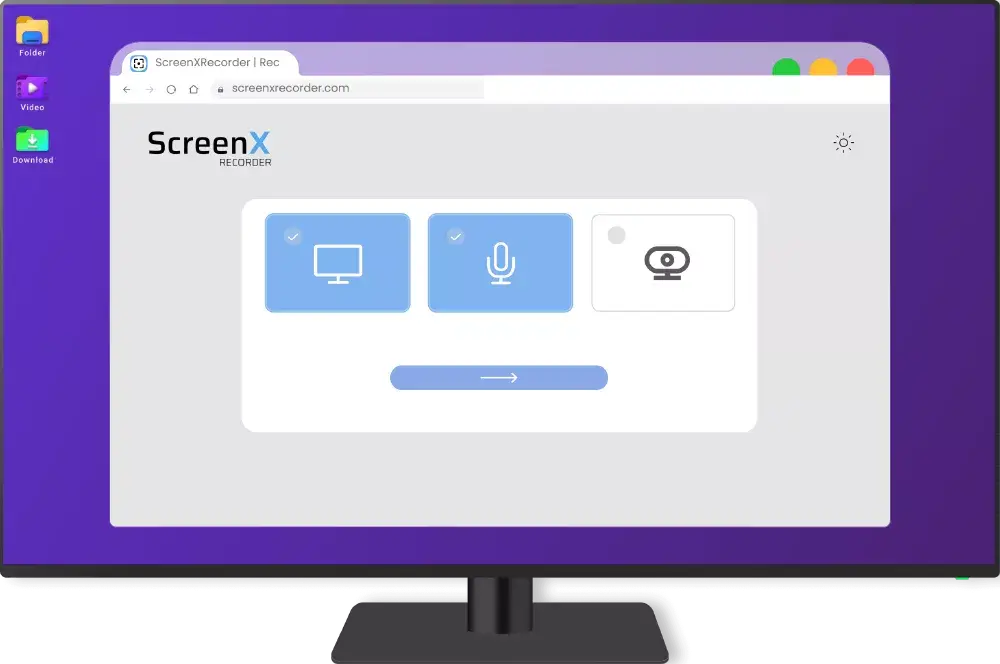
Choose what to capture:
Supported browsers: Google Chrome, Mozilla Firefox, Microsoft Edge, Opera and Safari.
ScreenXRecorder: Free online screen recorder, no registration or watermarks
ScreenXRecorder is a free screen recorder that runs directly in your browser — nothing to install, no account required. Record your full screen, a specific window, or just a browser tab, and mix in microphone audio or webcam video as needed.
Unlike most recording tools, it keeps things simple: you record, download, and you're done. No editing suite, no watermarks, no extra steps. Just a clean video file saved to your device.
All recording happens locally in your browser. Nothing is uploaded to any server, so your recordings stay completely private — ideal for sensitive meetings, confidential presentations, or personal content you don't want stored in the cloud.
Compatible with Windows, macOS and Linux. Built for educators creating video lessons, developers recording bug reports, content creators making tutorials, remote workers documenting workflows, and anyone who needs a reliable screen capture without the overhead.
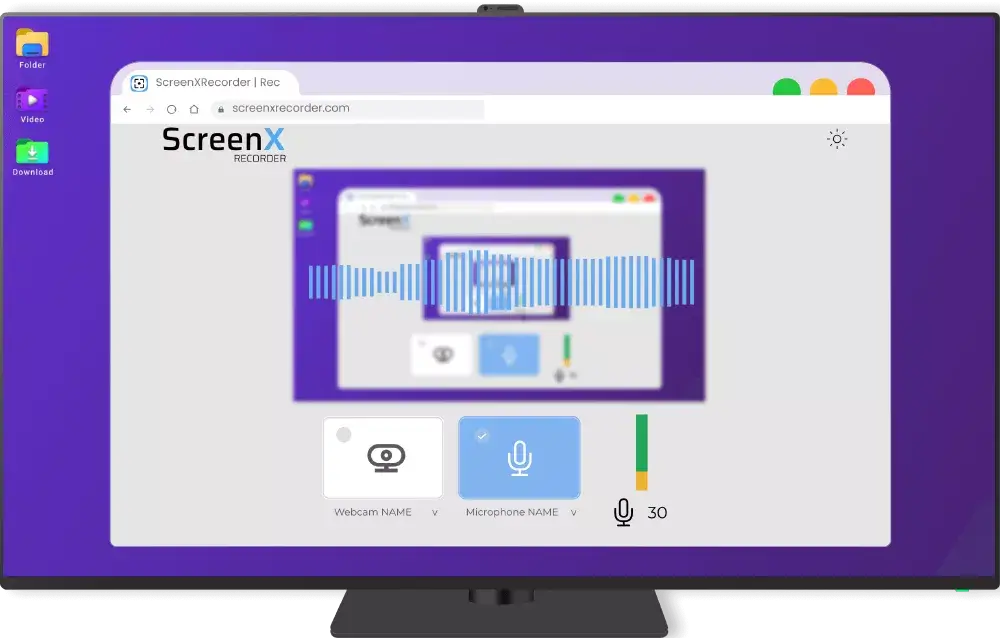
Microphone control during screen recording
Once recording starts, the microphone stays active — but you can mute it with one click and adjust its input sensitivity at any point during the session. Useful if you want to narrate only certain parts, or if background noise starts creeping in. The audio controls stay visible the whole time so you're never caught off guard.
The sensitivity slider lets you dial in the right audio level before or during recording. Lowering it reduces ambient noise pickup; raising it helps if you're speaking softly. Fine-tune it without stopping or restarting the recording.
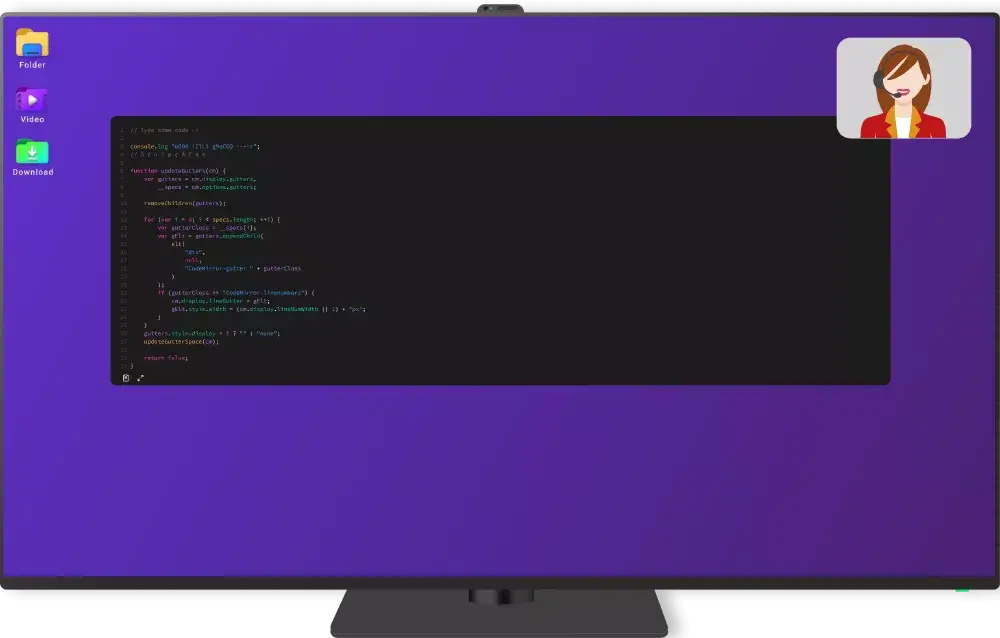
Record audio and video simultaneously: place the webcam anywhere on screen
Enabling the webcam adds a Picture-in-Picture overlay to your recording. Drag it to any corner or edge of the screen, and reposition it whenever you like — even mid-recording. It's the same format you see in tutorials and streams: your face visible while the content plays out behind it.
This works well for software demos, online lessons, video essays, or any recording where the presenter needs to stay on screen. Position the camera so it doesn't block important content, or move it mid-recording when the layout changes.
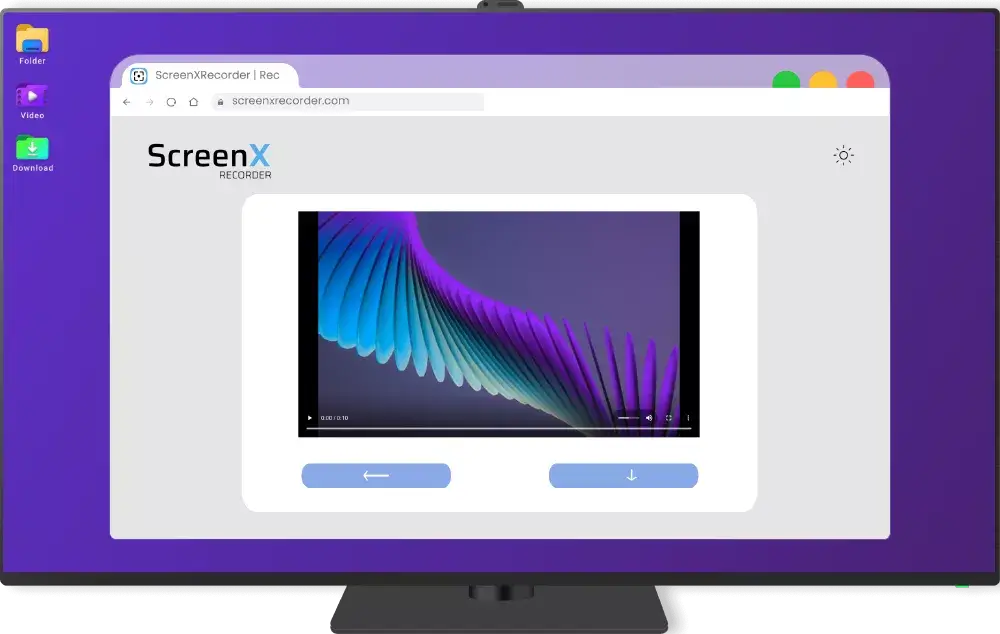
Preview, download or re-record: you decide
When you stop, a preview appears before anything is saved. Watch it back, and if it's good, download it straight to your device. If something went wrong, one click resets the session and you start fresh. No file management, no uploading, no waiting.
The file downloads in WebM format, which works in most video players and is accepted by major editing and sharing platforms without conversion. Ready to use straight from the browser.